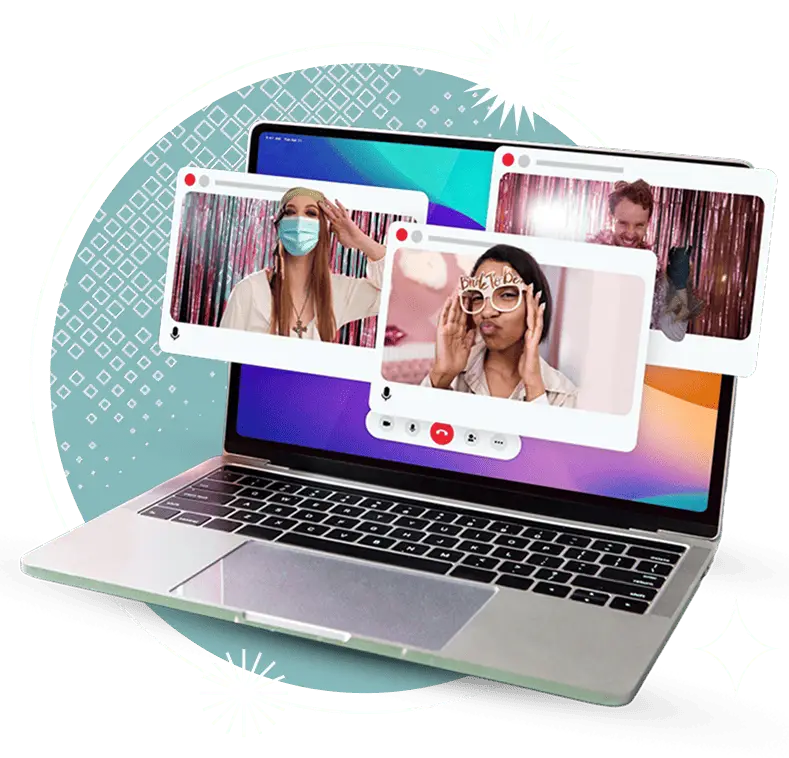
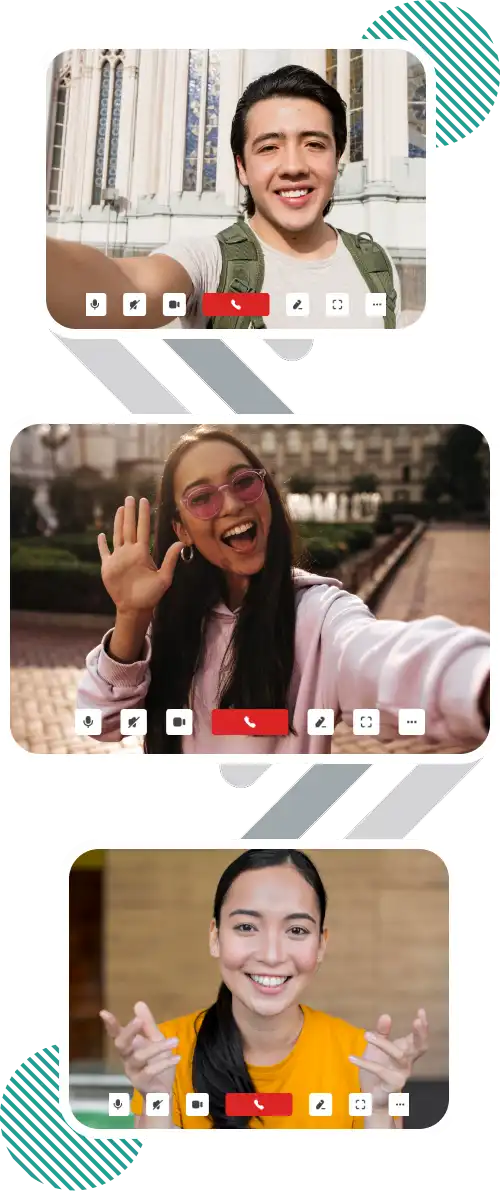
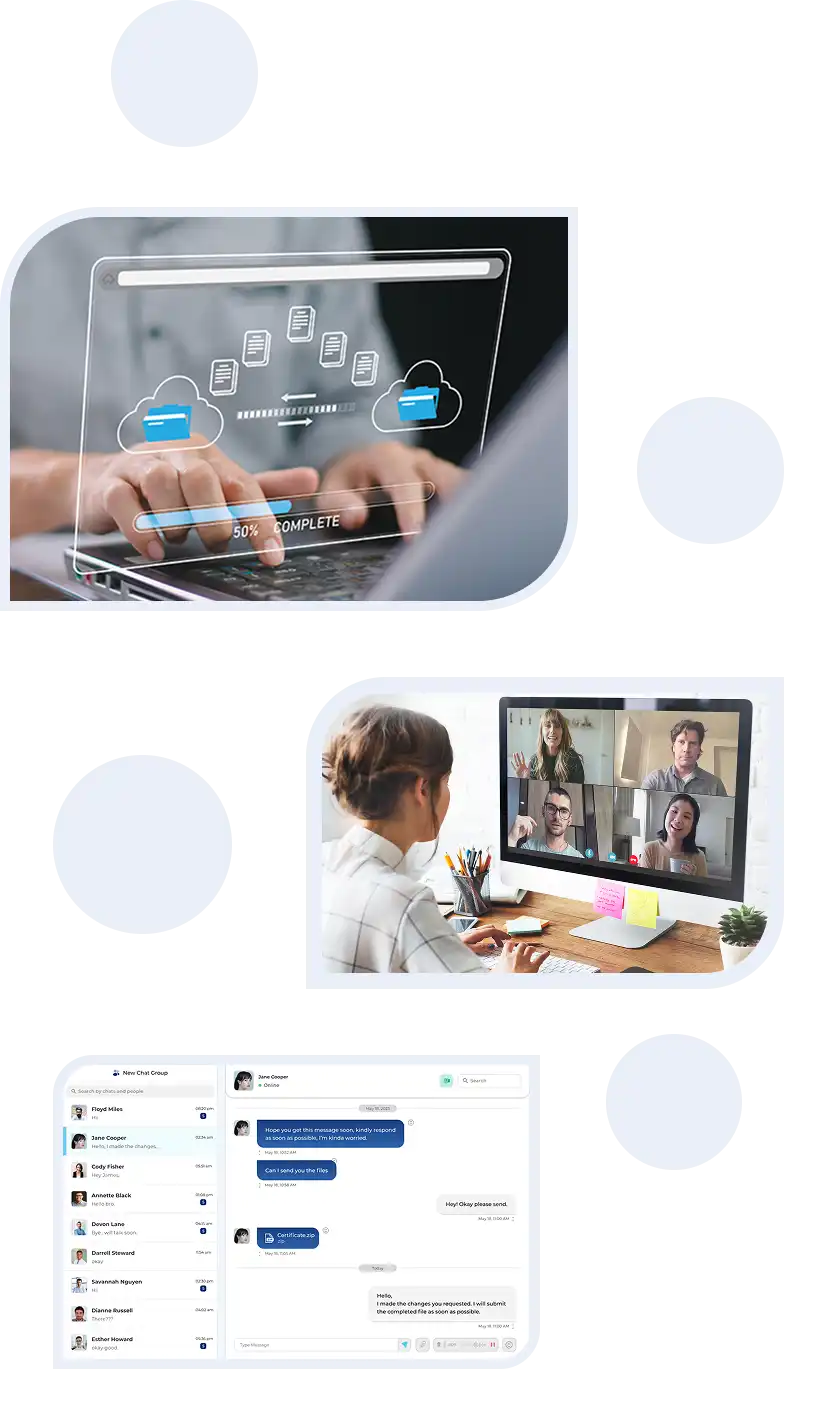
We provide fully customise Audio & Video conferencing App and Meeting Software Development using scalable Real-Time Audio Video WebRTC Based Communication Solutions that will redefine the way you interact.
A cross-platform conferencing experience for web, mobile, and desktop—bringing calls, meetings, messaging, recording, and collaboration together without additional software.
1-1 Audio/Video Calling
Allow two individuals to have real-time conversations by using audio and video capabilities. A tool for personal and professional purposes, enabling individuals to connect, collaborate, and maintain relationships in a more meaningful and immersive manner.
1-Many Audio/Video Calling
One-to-many audio/Video calling breaks down barriers and allows coworkers and business partners to connect beyond physical limitations.
Audio/Video Conferencing
It enables individuals or groups to engage in real-time conversations, presentations, and meetings, regardless of their geographical location.
Mute or Unmute Audio/Video
Mute or unmute audio/video ensures flexibility and inclusivity for all participants, allowing them to customize their experience based on personal preferences and needs.
Audio, Video Recording
A screen that includes a list of all the live recorded Video and audio files to play them again anytime in a meeting.
Screen Share
Screen share allows users to share any relevant screens from their device and bring clarity to the person on the other end.
We'll help you Implement Custom Video Conferencing Software Solution
Live Broadcasting Apps
Videos can be recorded and broadcasted at the same time. This can be used for client communication, lectures, product demonstration, medical screening, and more.
Appointment Systems
Conduct one-on-one video calls with custom interface integrations. Connect your appointments to an existing database and protect your information from a data breach.
Live Video Conferencing
Manage webinars, conferences, and business meetings with custom video conferencing solutions that can be adapted to your needs.
Event-management Systems
Create multiple rooms and manage them simultaneously. Allow your visitors to leave general streams in your video conferencing software and switch into private chats or video calls.
Messaging
Communicate with custom online messaging solutions between your employees, agents, and clients. Enjoy the benefits of confidentiality with security features that are compliant with local regulations.
Stack of Technologies We use for Online Video Conferencing Software Development
This is a list of technologies that may be used when developing a live video streaming app and custom video conferencing solutions.
Swift
Kotlin
Node-js
React JS/Native
Java Script
Azure
Kubernetes
WebRTC
AWS
Elasticsearch
Typescript
Mediasoup
Twilio
.Net
Live Streaming Meetings
With live-streaming meeting features, you can stream meetings on various social media platforms such as Facebook, YouTube, and Twitch. Here are the detailed benefits of streaming a remote meeting through social media platforms.
Twitch
Twitch can be an effective way to engage with your community and reach a wider audience. It's a unique and powerful way to combine professional content with the interactive and social aspects of the Twitch platform.
Facebook
Engage with your audience by responding to comments and questions in real time. This interaction will make the live stream more engaging and help build a sense of community.
YouTube
A relatively straightforward process that requires a bit of initial setup but offers valuable benefits in terms of reach and engagement.
Workplace
Streaming live meetings on Workplace includes remote participation, accessibility, transparency, interactivity, and cost-effectiveness. Organizations can use live streaming to enhance communication and collaboration
Custom Site
Offering a personalized, controlled, and accessible experience for both organizers and participants. Also provides convenience and flexibility, making it a valuable tool for virtual meetings and events.
X
Provides an opportunity to connect with a large audience, foster engagement, drive brand awareness, and gain valuable insights for future content strategies.
More Features
Host Control
Empower hosts to maintain a safe and engaging environment for users, while also allowing them to customize and improve the app's overall functionality and user experience.
Phone-to-browser connections
Help users to seamlessly connect their mobile devices to their web browsers. Allow to access and interact with app content on their browsers, with a more convenient and versatile experience.
Raise Hand
Particularly valuable in large-scale conferences, where it might be challenging for the host to manage questions and comments. It indicates the desire to speak or contribute during video conferences, online meetings, or online classrooms.
All Participant Listing
The "all participant listing" provides a comprehensive view of all the participants involved in a particular activity or event. Hosts can quickly identify and interact with participants at the same time.
Instant Text Messaging
Instant text messaging features provide a convenient, efficient, and real-time method for individuals and businesses to interact, collaborate, and stay connected.
File, Picture Sharing
This feature can be used for professional, personal, and social interaction, which makes it easier than ever to share, receive, and engage with files and pictures.
Screencasting
Offers a convenient and dynamic way to capture and showcase device interactions, expanding the possibilities for effective communication and visual storytelling.
More Solutions
Explore More Solutions Built for Your Business
Discover related services designed to enhance communication, improve customer engagement, and support your business growth with scalable technology solutions.
01
WebRTC
WebRTC Application Development
Build secure browser-based voice, video, messaging, screen sharing, and real-time collaboration experiences with WebRTC.
Video conferencing app development involves building a customized audio and video communication platform that allows users to connect through real-time video calls, audio calls, online meetings, webinars, messaging, screen sharing, and collaboration tools across web, mobile, and desktop devices.
What features can be included in a custom video conferencing app?
A custom video conferencing app can include one-to-one audio/video calling, group video conferencing, mute and unmute controls, screen sharing, audio and video recording, instant messaging, file sharing, participant listing, raise hand, host controls, and secure meeting management.
Can video conferencing software support webinars and live streaming?
Yes. Video conferencing software can support webinars, live meetings, and live streaming to platforms such as YouTube, Facebook, Twitch, Workplace, X, or a custom website. This helps businesses, educators, and event organizers reach a wider audience and manage online sessions more effectively.
Can the app be developed for web, mobile, and desktop platforms?
Yes. A video conferencing solution can be developed as a cross-platform application for web, mobile, and desktop users. This allows participants to join meetings from different devices without needing complex setup or additional software installation.
Is video conferencing software suitable for appointments and virtual consultations?
Yes. Custom video conferencing software is suitable for appointment systems, online consultations, telemedicine, education, interviews, customer support, and business meetings. It can be integrated with existing databases, booking systems, and business workflows to provide a secure and convenient user experience.
Process & Delivery
What technologies are used for video conferencing app development?
Video conferencing apps can be developed using technologies such as WebRTC, Mediasoup, Twilio, Node.js, React JS/Native, JavaScript, TypeScript, Swift, Kotlin, AWS, Azure, Kubernetes, Elasticsearch, and .NET. The right technology stack depends on the platform, scalability needs, real-time communication requirements, and business goals.
Support & Pricing
Why choose Capanicus for video conferencing app development?
Capanicus develops customized, scalable, and feature-rich video conferencing applications designed for real-time communication, online meetings, webinars, live streaming, secure messaging, and business collaboration. With expertise in WebRTC, mobile apps, cloud infrastructure, and custom communication platforms, Capanicus helps businesses build reliable video conferencing solutions tailored to their needs.
Contact center solutions
Connected tools for stronger customer experiences.