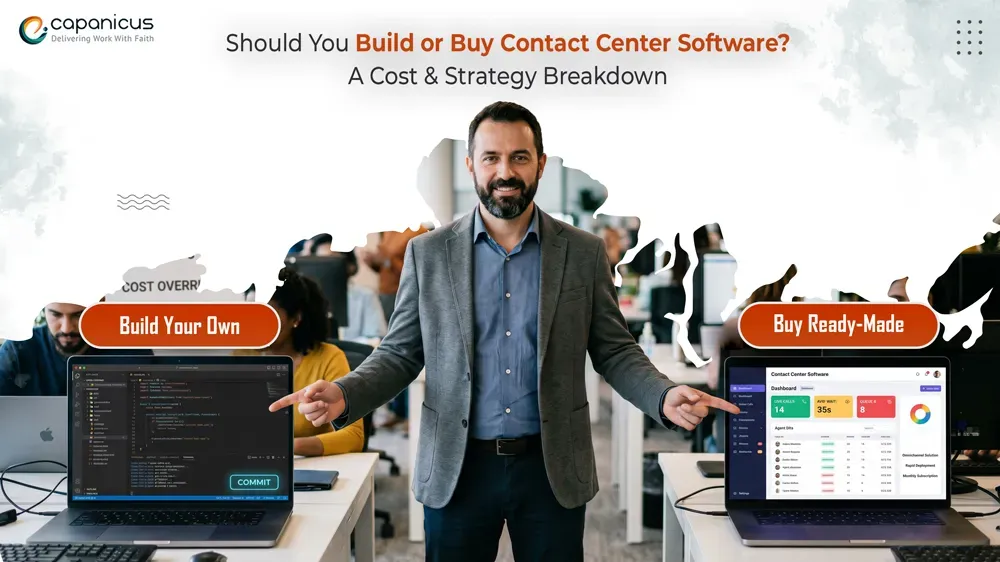
Every business reaches a point where the question stops being “do we need better customer support tools?” and starts being “do we build them or buy them?”
Customer expectations have changed a lot in the last few years. People now want support on WhatsApp, email, live chat, and phone — sometimes all in the same day. And with remote teams becoming the norm, businesses are rethinking how they run their support operations.
The problem is that legacy call center platforms weren’t built for any of this. They were built for agents sitting in one room, on one phone system, handling one channel. Businesses running on those systems are actively losing customers because of the friction.
This article breaks it all down — call center software development cost, real trade-offs, strategic questions you should be asking, and a framework for making the decision confidently.
What Modern Contact Center Software Actually Does?
To make a good build-vs-buy decision, you need to understand what you’re actually comparing. Modern contact center platforms look nothing like what most people picture when they hear “call center.”
The traditional model ran on PBX hardware — physical systems installed on-site, maintained by your IT team, and limited to phone calls. That world is largely over. Today, cloud contact center software runs entirely in the cloud, scales instantly, supports multiple communication channels from one interface, and can be accessed by agents anywhere in the world with an internet connection.
Here’s what any serious contact center software solution should include today:
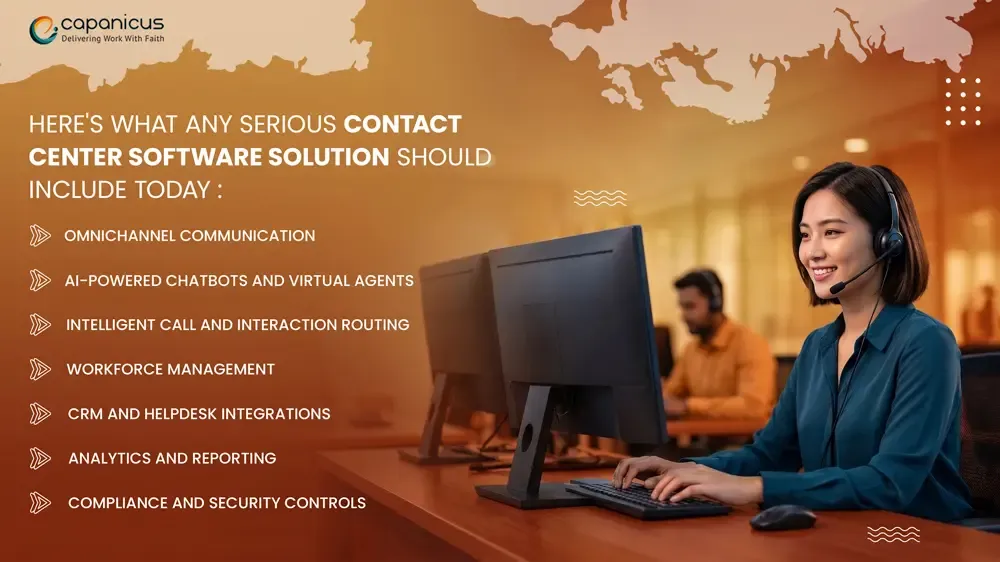
- Omnichannel communication — kind of juggling voice, email, live chat, SMS, and social media from one agent screen, not using separate tools or something like that
- AI-powered chatbots and virtual agents — taking tier-one questions automatically, then routing to humans if needed, yknow, before it gets messy
- Intelligent call and interaction routing — steering customers to the right agent based on skill, language, past history, or just priority level
- Workforce management — scheduling the shifts, forecasting demand, monitoring agent performance in real time, all in one place
- CRM and helpdesk integrations — native hookups to Salesforce, HubSpot, Zendesk, ServiceNow and others, so data actually travels
- Analytics and reporting — dashboards covering first-call resolution, average handle time, CSAT, queue depth, plus some extra bits
- Compliance and security controls — consent for call recording, data residency settings, role-based access, and tighter safeguards
Beyond features, contact center platforms show up in three deployment models, and honestly which one you pick changes everything downstream:
Benefits of Buying a Ready-Made Contact Center Software
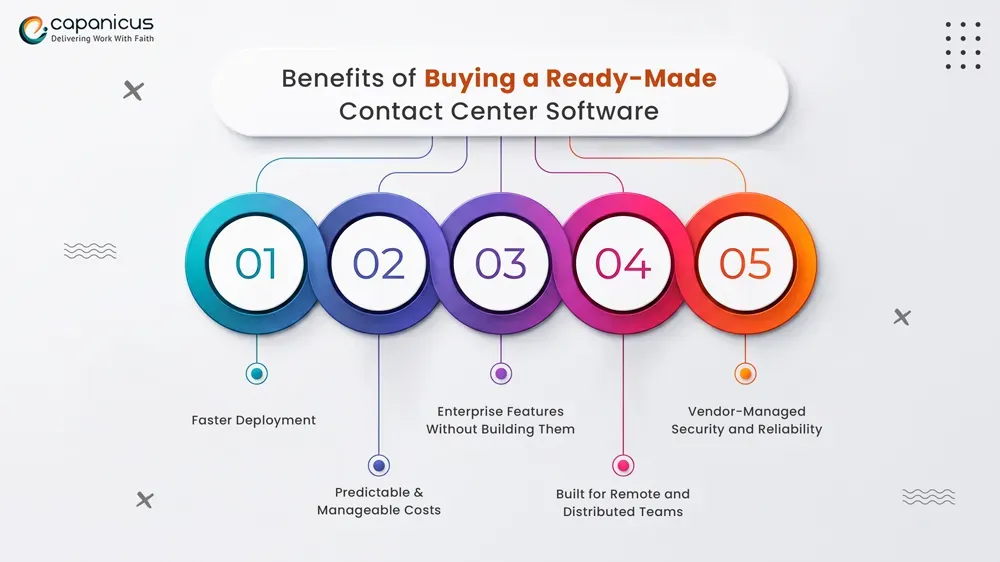
Buying a ready-made call center solution is the default path for a reason. It’s faster, lower risk, and requires less internal capability to get up and running. Here’s what that actually looks like in practice.
Faster Deployment
With a purchased contact center software platform, you’re not building from the ground up. You’re configuring something that already works. That means:
Go live in weeks instead of 6–18 months
Lower implementation risk because the core system is already tested
Immediate access to features your team can start using right away
For businesses under competitive pressure or running on failing legacy systems, speed is often the deciding factor alone.
Predictable & Manageable Costs
Subscription-based pricing gives you a predictable monthly or annual cost. You’re not absorbing the cost of an engineering team, cloud infrastructure setup, QA cycles, or security audits. For companies with tight budgets or quarterly financial targets, this matters.
The economics are straightforward: you pay for what you use, and the vendor absorbs the infrastructure overhead.
Enterprise Features Without Building Them
The leading contact center software platforms come with capabilities that would take an internal team years to build:
- AI-powered interaction routing and predictive queuing
- Built-in compliance tools for GDPR, HIPAA, PCI-DSS, and SOC 2
- Pre-built integrations with 100+ third-party tools
- Workforce management and quality monitoring
- Advanced analytics with real-time dashboards
You’re essentially buying years of product development at a fraction of what building it would cost.
Built for Remote and Distributed Teams
Virtual call center software was specifically engineered for teams that aren’t in one location. Agents log in from anywhere. Supervisors monitor queues remotely. Team leads coach agents through screen sharing and call listening — no physical office required.
If your support team is distributed across cities, countries, or time zones, a cloud call center platform handles this naturally without custom infrastructure work.
Vendor-Managed Security and Reliability
SLA-backed uptime guarantees, regular security patches, compliance certifications, and dedicated support — these come bundled with the subscription. You’re not responsible for patching vulnerabilities at 2 am or managing DDoS protection. That’s the vendor’s job.
The honest trade-off: You give up deep customization in exchange for speed, reliability, and lower operational overhead. If your support workflows fit the platform’s model, you’ll never notice the limitation. If they don’t, you’ll fight it constantly.
When Custom Contact Center App Development Makes Sense?
Building is harder, more expensive upfront, and takes longer. But there are situations where it’s genuinely the right decision, not because it’s more impressive, but because bought tools will never fit the need.
Most contact center software is designed around common support patterns. If your operations have multi-step compliance workflows, unusual escalation chains, or deeply integrated back-office processes, a bought platform becomes a daily compromise.
Contact center app development makes sense when:
- Your industry has compliance requirements that off-the-shelf tools don’t fully address
- Your customer journey is proprietary and can’t be replicated with standard routing rules
- You need deep integration with internal systems that vendors don’t connect to
- Your agents follow workflows that don’t map to standard ticketing or call flow logic
Deployment Models: Which Type of Contact Center Platform Fits Your Business?
Before comparing build vs buy, it really helps to get a feel for the three major deployment models in the contact center software market. The deployment model kind of shapes everything—cost structure, scalability, customization flexibility, who owns the maintenance burden, and even how fast your team can adjust when requirements shift.
On-Premise Contact Center Platforms
This is the classic arrangement where the organization owns and runs the infrastructure internally. So, servers, PBX equipment, networking, storage, and security systems all live inside the company’s own environment.
On-premise call center platforms still give maximum control, yet they usually carry a lot of operational baggage :
- High upfront infrastructure spending
- Longer deployment and upgrade cycles
- Dedicated IT and telecom management required
- Less agility for remote or distributed teams
- More responsibility for security, backups, and disaster recovery planning
You still see this setup in tightly regulated industries or in groups with strict internal infrastructure policies. Even so, adoption has gone down over time as cloud systems matured, and people have become more comfortable with that.
Cloud Contact Center Software
With cloud contact center platforms, the vendor fully hosts everything and delivers it as a service over the internet. This has become the prevailing model because it removes most of the infrastructure headaches from the business side.
With cloud-based contact center software, businesses get:
- Rapid deployment and easier scaling
- Lower upfront investment
- Automatic updates and feature releases
- Built-in remote workforce support
- Subscription-based pricing with predictable operational costs
For most companies, especially those prioritizing speed, flexibility, and distributed support teams, cloud contact center software provides the best balance between functionality and operational simplicity.
Hybrid Contact Center Architecture
Hybrid models combine both approaches. Businesses use a cloud contact center platform for standard operations while keeping certain systems, workflows, or data environments under direct internal control.
This approach is increasingly common for enterprises that:
- Need to maintain legacy telecom infrastructure during migration
- Operate under complex compliance or data residency requirements
- Require custom AI, analytics, or workflow layers beyond vendor capabilities
- Want cloud scalability without fully giving up infrastructure control
Hybrid setups are often the most practical long-term architecture because they allow businesses to modernize incrementally instead of replacing everything at once.
The important thing is this: your deployment model directly affects what “build vs buy” actually means. A company evaluating cloud contact center software is solving a very different problem than a business trying to modernize a heavily customized on-premise environment.
The Hidden Costs Nobody Budgets For
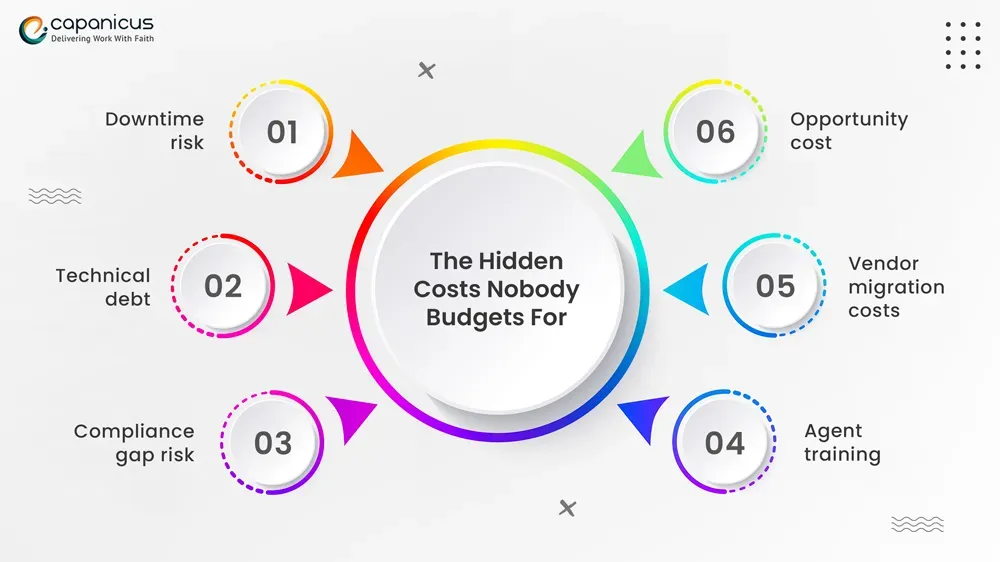
This is where decisions go wrong. These costs are real and frequently ignored:
- Downtime risk — If you build and it breaks, recovery time is your cost. If a vendor’s system goes down, their engineers fix it
- Technical debt — Custom systems accumulate it fast. Deferred maintenance compounds quickly
- Compliance gap risk — Missing a regulatory update in a built system is your liability, not a vendor’s
- Agent training — Custom tools need custom documentation. Vendor platforms have built-in training resources
- Vendor migration costs — Switching platforms later means data migration, integration rebuilds, and retraining. This is rarely free
- Opportunity cost — Engineering time spent maintaining a contact center platform is time not spent on your core product.
What to Ask Before Choosing a Call Center Platform
Costs tell part of the story. The strategic questions below often reveal more about which path is actually right.
How Unique Are Your Business Processes?
Be honest here. Most companies think their workflows are more complex than they actually are. Ask yourself: could a competitor running the same vendor platform deliver similar support quality?
If yes, your workflows are standard. Buy.
If no — and that differentiation actually matters to customers — build.
What Does Your Growth Look Like?
Scaling from 50 to 500 agents in 2 years? Cloud platforms handle this cleanly.
Expanding to 15 countries with localized compliance needs? You’ll hit platform limits fast.
Planning heavy AI adoption — predictive routing, voice intelligence, real-time coaching? Check whether vendor AI fits your vision or constrains it.
Cloud contact center software scales easily along standard dimensions. Custom builds scale better when your growth pattern is unusual.
Do You Actually Have the Engineering Capability?
This question gets avoided because the honest answer is often uncomfortable. Building and running contact center software requires:
- Senior backend engineers with VoIP and telecom experience
- DevOps capability for infrastructure management
- Security operations
- QA engineers who understand telephony
If you don’t have this internally, you’re not choosing between build and buy — you’re choosing between buy and hire-then-build, which is a very different cost calculation.
How Fast Do You Need to Move?
If a competitor just launched better support experiences and customers are noticing, you don’t have 12 months for a custom build. A bought call center platform gets you competitive quickly.
Is AI Core to Your CX Strategy or Just a Feature?
If you want standard AI features (chatbots, basic sentiment analysis), vendor platforms have these. If you want AI tuned to your specific data, your terminology, and your customer patterns, you’ll likely need to build or integrate custom models
The difference between vendor AI and proprietary AI can be significant in terms of performance, especially in specialized industries.
How to Pick the Right Contact Center Software Vendor?
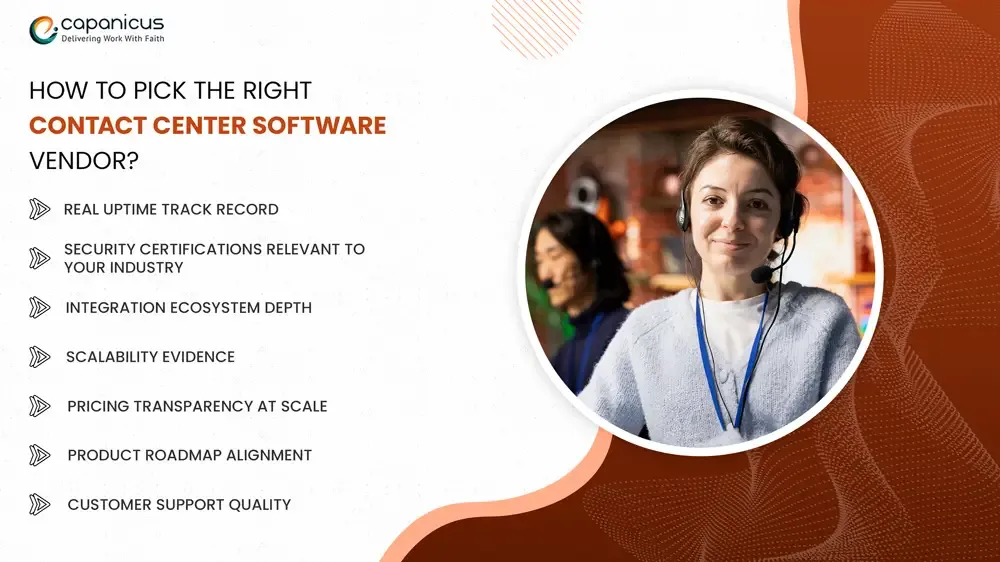
Don’t buy based on demos. Buy based on evidence of performance at your scale and in your context.
What to actually evaluate:
- Real uptime track record — Ask for historical uptime data, not just SLA promises. A 99.9% SLA still allows 8+ hours of downtime per year.
- Security certifications relevant to your industry — SOC 2 Type II, HIPAA, PCI-DSS, ISO 27001. Verify the scope of those certifications, not just their existence.
- Integration ecosystem depth — How many native integrations exist? What does the API documentation look like? Is the API versioned and stable?
- Scalability evidence — Has this platform been used at your projected agent count and interaction volume? Ask for case studies, not just capability claims.
- Pricing transparency at scale — Get pricing models for 2x and 5x your current volume. Subscription pricing often has nonlinear cost curves at scale.
- Product roadmap alignment — Where is the vendor investing? Does their roadmap align with where you’re taking your CX strategy?
- Customer support quality — Talk to existing customers. Not the references the vendor provides. Independent reviews on G2, Gartner Peer Insights, or direct LinkedIn outreach.
Hiring the Best Contact Center App Development Company
If you’re building or customizing, the development partner is the decision that matters most. Generic software development companies cannot do this well.
Capanicus is a technology company focused on enterprise contact center software development and cloud contact center platform integration. We work with businesses that have moved past the generic vendor evaluation phase and need real answers about what to build, what to buy, and how to connect it all.
Our work sits at the intersection of three things most development companies treat separately:
1. Telecom and VoIP engineering
We don’t just build software interfaces. We understand the infrastructure underneath — SIP, WebRTC, media servers, carrier integration, and the failover architecture that keeps systems running when components fail. This matters because contact center software that looks good on the surface but has a weak telecom architecture creates reliability problems at the worst times.
2. AI and automation integration
We help businesses figure out the difference between vendor AI (fast to deploy, limited to the vendor’s model) and custom AI (more capability, more control, more maintenance). For clients where AI routing, voice intelligence, or predictive analytics are core to their strategy, we build the custom layers that vendor platforms can’t provide.
3. Compliance-aware architecture
We have experience building for HIPAA, BFSI, and government compliance environments. This means compliance requirements are built into the architecture decisions from the beginning — not added as features later.
We work in three modes depending on what a business actually needs:
- Full custom build — For enterprises that need complete platform ownership and have the engineering maturity to support it
- Platform extension — Taking an existing cloud contact center platform and building the custom layers — dashboards, AI integrations, workflow automation — that make it work for your specific operations
- Architecture advisory — For businesses that aren’t yet sure what path to take and need an honest, independent assessment before committing budget
What we don’t do is push a predetermined answer. We work through that honestly before recommending anything. If you’re at the point where vendor demos aren’t answering your real questions, that’s typically where a conversation with Capanicus is most useful.
The Bottom Line
Let’s be direct, because a lot of content on this topic softens conclusions in ways that aren’t useful.
Hybrid is increasingly the dominant model for enterprises and for good reason. Start with a reliable cloud contact center software platform for the core infrastructure. Build the custom layers where your business actually needs differentiation. Avoid reinventing what vendors already do well at scale.
The one thing that makes every path worse is making the decision based on optimistic assumptions. What can your team actually build and maintain? What does your real growth trajectory look like? What’s the actual cost of getting this wrong, including downtime, compliance failures, and customer churn?
Answer those questions honestly, and the right path becomes clear. It’s usually not the most exciting answer, but it’s the one that holds up two years from now.
FAQs
What are Cloud Contact Center Platforms?
Cloud contact center platforms are fully hosted software systems that manage all customer interactions — voice, chat, email, social — from a single interface delivered over the internet. The vendor hosts and maintains the infrastructure. Businesses pay a subscription and access the system from anywhere. Key advantages include instant scalability, no hardware overhead, and built-in updates.
Is virtual call center software suitable for small businesses?
Yes, and often it’s the better fit compared to on-premise systems. Virtual call center software has low upfront costs, no hardware to manage, and scales up or down based on actual demand. Many platforms offer small business tiers with per-agent pricing, making it accessible without a large IT team.
How much does custom Contact Center app development cost?
A basic custom system with core calling and routing: $100,000–$300,000. A full enterprise contact center app with omnichannel, AI, compliance architecture, and complex integrations: $500,000–$1.5 million+. Ongoing annual maintenance typically runs 15–25% of the initial build cost. These are real numbers, not worst-case estimates.
What is the difference between call center platforms and Contact Center platforms?
Call center platforms were historically focused on voice — inbound and outbound phone support. Contact center platforms are broader systems that manage voice plus all digital channels: email, live chat, SMS, social media, and messaging apps. Today, most leading “call center” platforms have evolved into full contact center tools, but the distinction matters when evaluating whether a platform actually covers all the channels your customers use.
When should a business build its own Contact Center Software?
Build when your support workflows are too complex or specific for off-the-shelf tools to handle without constant workarounds. Build when you’re in a regulated industry with compliance requirements that standard platforms don’t fully address. Build when you have the engineering capability to support it long-term, and the economics over a 5+ year horizon justify the investment.